Launchpad, Ableton Push & Midi Fighter sessions
VIDEOS LIVE PAD SETS
Fourteen hand-picked pad performances and tutorials — electro, dubstep and hip-hop played live on a grid, plus the lessons that explain how it's done.
Finger drumming is the most visible way to make music. Every sound in these videos is triggered by hand, live, on a grid — watch closely enough and you can learn the routine.
Pick a genre
Four chapters, fourteen videos
-
01 — Electro · 9 videos
Electro live sessions
Madeon's “Pop Culture”, Kloosless, Ableton's Push performance series and a Leap Motion hybrid rig.
Watch the chapter → -
02 — Dubstep · 1 video
Dubstep on Launchpad
M4SONIC's “Weapon” — wobble bass, drops and light patterns, all played by hand.
Watch the chapter → -
03 — Hip-hop · 1 video
Hip-hop beat making
Yashar Gasanov builds a hip-hop and electro track on Ableton Push, one decision at a time.
Watch the chapter → -
04 — Tutorials · 3 videos
Courses, techniques & tricks
Mad Zach's pad techniques, a deep-house track in ten minutes and a full performance walkthrough.
Watch the chapter →
Electro live sessions · Launchpad, Push & Midi Fighter
Electro
Nine sessions that show what a pad grid can play.
Electro is where live pad performance grew up. Chopped vocals, side-chained synths and four-on-the-floor drums map naturally onto a grid, so a whole track can be split into loops and one-shots and rebuilt by hand in front of an audience. This chapter collects the sessions worth studying, from the Madeon mashup that took the format mainstream to Ableton's own Push performance series.
Watch for three things: how each performer lays sounds out across the grid, which parts are launched as clips and which are played note by note, and how transitions are built with effects rather than a crossfader. The last video in the chapter pairs with a walkthrough in the tutorials chapter, so you can see a performance and then hear the performer explain it.
-
Madeon · Novation Launchpad · 2011
Madeon — “Pop Culture” (live mashup)
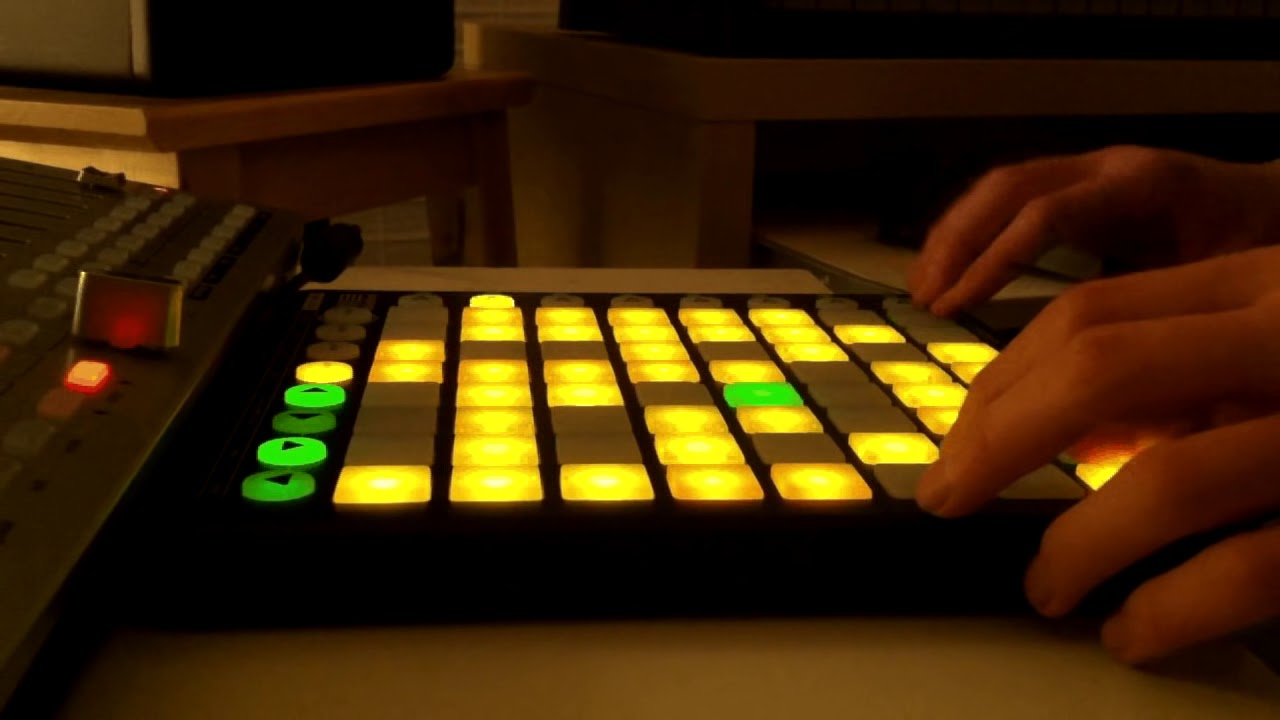
The live mashup that made the young French producer Madeon a star: 39 songs chopped and re-sequenced by hand on a Novation Launchpad in just over three minutes. Still the reference video for what a pad grid can do.
Channel: MadeonWatch on YouTube ↗
-
Kloosless · Launchpad · 2016
Kloosless — “I Don't Mean To” (PushPad Electro)
A one-minute Launchpad performance of Kloosless's “I Don't Mean To”, played from the PushPad Electro project files. Short and dense — a good first routine to learn by ear, pad by pad.
Channel: DJ-PAD-MUSIC.COMWatch on YouTube ↗
-
Kloosless · Midi Fighter 3D · 2015
Kloosless — “Fratres” live soundpack preview
Kloosless plays the Fratres soundpack live on a DJ TechTools Midi Fighter 3D. Three minutes of arcade-button finger drumming that shows how the pack's loops, one-shots and fills fit together.
Channel: KlooslessWatch on YouTube ↗
-
Rodi Kirk · Ableton Push · 2014
Rodi Kirk — “Underwater” on Ableton Push
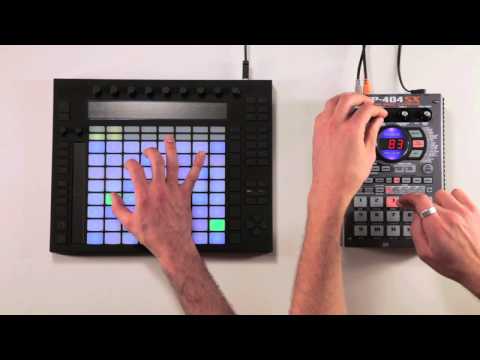
New Zealand producer Rodi Kirk performs “Underwater” on the first-generation Ableton Push, filmed for Ableton's official performance series. Melody, drums and effects all come off one 8×8 grid.
Channel: AbletonWatch on YouTube ↗
-
Decap · Ableton Push · 2015
Decap — “Feeling” on Ableton Push
San Francisco hip-hop producer Decap performs the single “Feeling” live on Push 1 — sampled keys, swung drums and a lesson in groove over speed. Part of Ableton's Push performance series.
Channel: AbletonWatch on YouTube ↗
-
Live production performance · 2016
The Temper Trap — “Sweet Disposition” (Youngr bootleg) live
A change of pace: a live production performance of Youngr's melodic bootleg of The Temper Trap's “Sweet Disposition”. Proof that pad performance works for indie-dance and vocal music, not only for drops.
Channel: Bogdan ZWatch on YouTube ↗
-
Boyesen Live · Ableton Push · 2013
Live electro session on Ableton Push
A four-minute electro session played on Ableton Push with the “Now in Control” sound pack by Girls ’N Boomboxes. Useful for studying how a finished track is split into clips across the grid.
Channel: Boyesen LiveWatch on YouTube ↗
-
Perplex On · Leap Motion + Push + Maschine · 2014
Perplex On — Leap Motion, Ableton Push & Maschine live
A home-studio performance that combines a Leap Motion hand tracker, Ableton Push, Native Instruments Maschine, a Launchpad, an iPad and custom Arduino controls — gesture control and pads in the same set.
Channel: Perplex OnWatch on YouTube ↗
-
Abayomi · Ableton Push · 2014
Abayomi — “Chemistry” on Ableton Push
A live Push 1 performance of “Chemistry”, filmed for Ableton's performance series. Watch it first, then open the walkthrough in the tutorials chapter to see how every sound was built.
Channel: AbletonWalkthrough ↓




- Live mashups
- Clip launching
- Vocal chops
- Finger drumming
- Grid layouts
- Gesture control
- Soundpacks
Dubstep live session · Novation Launchpad
Dubstep
Wobble bass, played by hand.
Dubstep suits a Launchpad better than almost any genre: its drops are built from short, punchy bass phrases, so each pad can hold one wobble and the performer writes the drop in real time. The lights matter as much as the sound — well-programmed LED patterns turn a performance into something you can follow with your eyes.
Watch the left hand: the fills and stutters come from rapid pad rolls on a handful of buttons, while the right hand launches the next section a bar early. That split is the core skill in grid performance.
-
M4SONIC · Novation Launchpad · 2012
M4SONIC — “Weapon” (Launchpad performance)
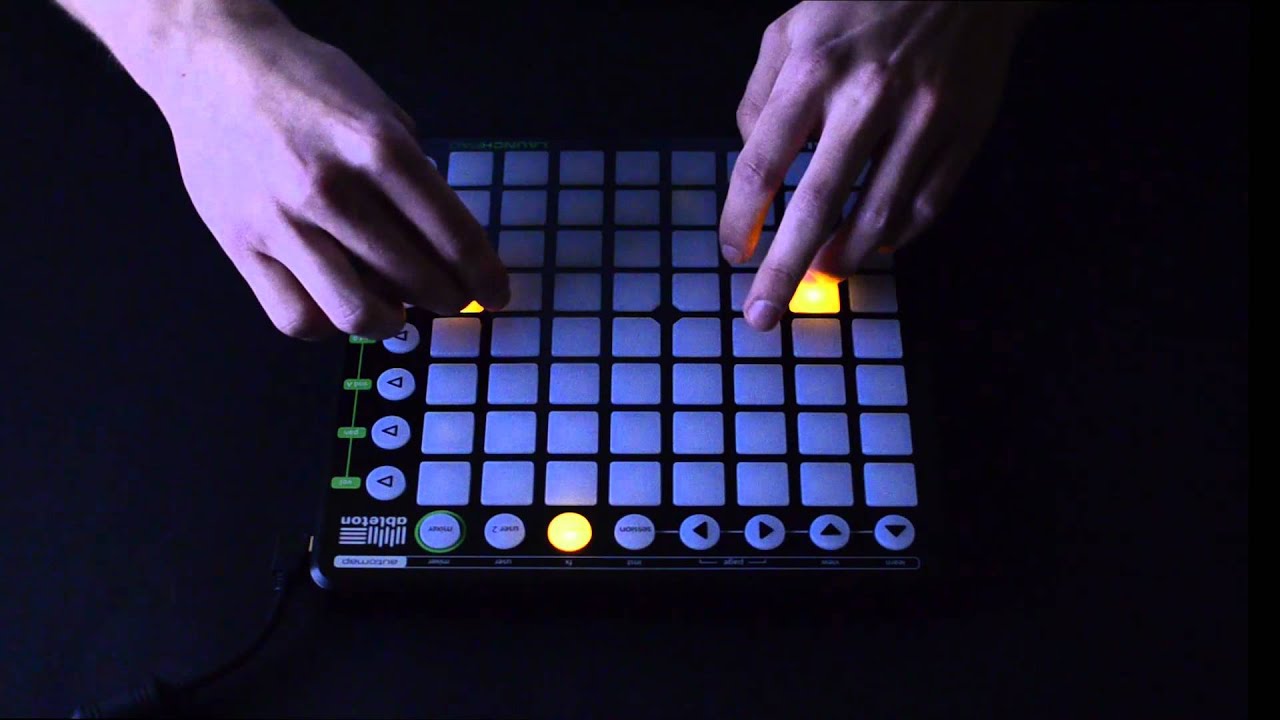
One of the videos that made Launchpad performance go viral. M4SONIC plays “Weapon” live, with wobble basses, drops and light patterns all triggered by hand in under three minutes — a dynamic, high-energy dubstep session.
Channel: M4SONICWatch on YouTube ↗
- Wobble bass
- Drops
- Pad rolls
- LED patterns
- Launchpad
Hip-hop session · Ableton Push
Hip-hop
A beat built from an empty session.
Hip-hop on pads is the MPC tradition moved onto a grid: swung drums, chopped samples and a bassline played in by finger rather than drawn with a mouse. Ableton Push is built for exactly that, with velocity-sensitive pads and a scale-aware note layout that keeps every melody in key.
This session is slower than a showcase routine, which is why it is one of the best videos here to learn from. You can follow each decision — the kit, the groove, the layers — as the beat grows. Try the pads above while it plays: keys 1–4 are kicks, Q–R hats, A–F claps and Z–V bass.
-
Yashar Gasanov · Ableton Push · 2013
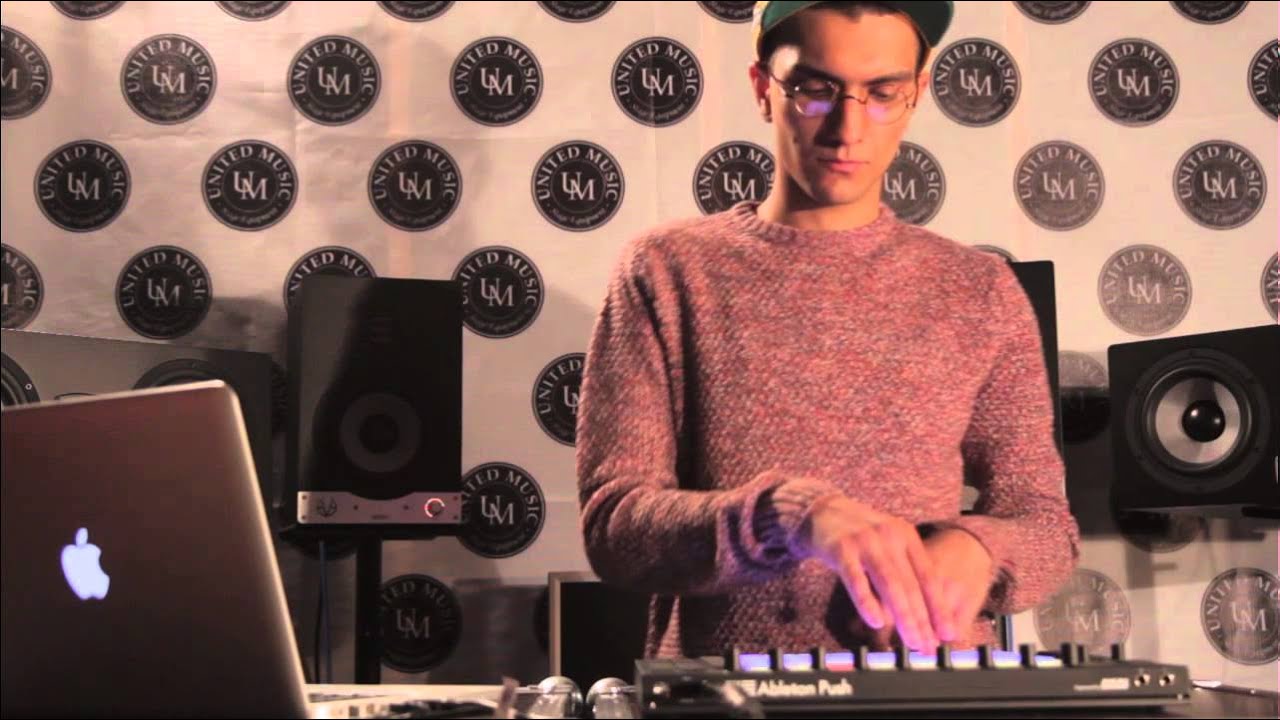
Yashar Gasanov — hip-hop & electro music creation on Push
Nearly seven minutes of Yashar Gasanov building a hip-hop and electro track live on Ableton Push. Slower-paced than a showcase routine, so you can follow every choice from first beat to finished loop.
Channel: United Music LLCWatch on YouTube ↗
- Swing
- Sample chopping
- Velocity
- Scale mode
- Beat making
Courses, techniques & tricks
Learn
The technique behind the performances.
Performances show you what's possible; tutorials show you how. These three videos cover the working skills behind every session above: finger-drumming technique across different controllers, building a full track on Ableton Push against the clock, and a performer taking apart their own routine sound by sound.
Every technique here transfers. Pad rolls, choke groups and clip launching work the same way on a Launchpad, a Midi Fighter, a Push or a free pad app on your phone — the controller changes, the skill doesn't.
Watch at 0.5× speed with the YouTube settings menu. Most pad routines are much easier to read at half speed, and the audio stays in pitch.
-
Mad Zach · DJ TechTools · 2013
Mad Zach — pad techniques & sound pack walkthrough
Mad Zach breaks down the finger-drumming techniques behind his Sound Packs Volume 3, moving between a Midi Fighter, a Traktor Kontrol F1 and Ableton Push. Fifteen minutes of practical, controller-agnostic technique.
Channel: DJ TechToolsWatch on YouTube ↗
-
Mike Greig · Sonicstate · 2014
Mike Greig — a deep-house track in 10 minutes on Push
A ten-minute tutorial showing how to use a pad controller to build a deep-house session from scratch on Ableton Push — a realistic look at the workflow, from the first beat to an arrangement.
Channel: SonicstateWatch on YouTube ↗
-
Abayomi · Ableton · 2014
Abayomi — “Chemistry” performance walkthrough
The companion to the “Chemistry” performance: Abayomi explains the setup and the techniques used to create its sound on Push 1. Watch the performance, then this, then try it yourself.
Channel: AbletonPerformance ↑


- Finger drumming
- Note layout
- Clip launching
- Deep house
- Sound design
- Arrangement
Watch, then play
Turn a video into a routine
Watching is only half the lesson. Four steps to go from a video on this page to a routine under your own fingers — no hardware required to start.
-
01 — Map
Map the grid
Pause on a wide shot and sketch which row holds drums, bass, chords and vocals. Most performers group by instrument, not by song section.
Layout first -
02 — Slow
Slow it down
Set YouTube to 0.5× and loop one eight-bar phrase. Learn the hand pattern before the timing, then bring the tempo back up.
Half speed -
03 — Play
Rebuild it on a pad app
Free drum pad apps turn a phone or tablet into a grid controller, and UniPad plays Launchpad-style projects on Android.
Free pad apps → -
04 — Record
Record and compare
Film your hands, play it next to the original and fix one thing per take. Timing problems are obvious on video long before you hear them.
One fix per take
Ride the fader
Drag it. The whole page changes colour.
Video questions
What is a Launchpad performance?
A Launchpad performance is a live set played on a grid controller such as the Novation Launchpad. Each pad triggers a loop, a one-shot or a light pattern in Ableton Live, and the performer plays the track by hand in real time instead of pressing play. Madeon's “Pop Culture” and M4SONIC's “Weapon” are the two videos that made the format famous.
What is the difference between Ableton Push and Novation Launchpad?
Both are 8×8 pad grids for Ableton Live. Launchpad is lighter, cheaper and built first for launching clips and one-shots. Push adds velocity- and pressure-sensitive pads, a display, encoders and a scale-aware note layout, so you can play melodies, programme drums and mix without looking at the laptop.
Which controllers are used in these videos?
Novation Launchpad (Madeon, M4SONIC and Kloosless), Ableton Push (Rodi Kirk, Decap, Abayomi, Yashar Gasanov and Mike Greig), the DJ TechTools Midi Fighter 3D (Kloosless's “Fratres” preview), and Native Instruments Maschine plus a Leap Motion hand tracker in the Perplex On set.
Can I play pad performances on a phone or tablet?
Yes. Pad apps such as UniPad reproduce the Launchpad grid on Android and play Launchpad-style projects, and browser tools like Web Pads give you an MPC-style grid with no install. A tablet is far more comfortable than a phone for an 8×8 layout. Our free Android DJ apps guide compares the options.
How do I start learning finger drumming?
Pick one short video, slow it to 0.5× on YouTube and copy the routine a few pads at a time. Practise with a metronome, stay on one kit until the pattern is automatic, then record yourself and compare. The tutorials in chapter four — Mad Zach, Mike Greig and the Abayomi walkthrough — cover the technique behind the performances.
Who owns these videos?
Every video is embedded from YouTube and belongs to its creator or channel; we curate and describe them, and views and credit stay on YouTube. Players load only when you press play, in YouTube's privacy-enhanced mode, so the page stays fast and sets no YouTube cookies until then.